OpenAI Rolls Out Chat Locking Feature for ChatGPT with Biometric Security
OpenAI introduced a new chat locking feature for ChatGPT, enabling users to secure sensitive conversations with a passcode or biometrics in a dedicated folder.
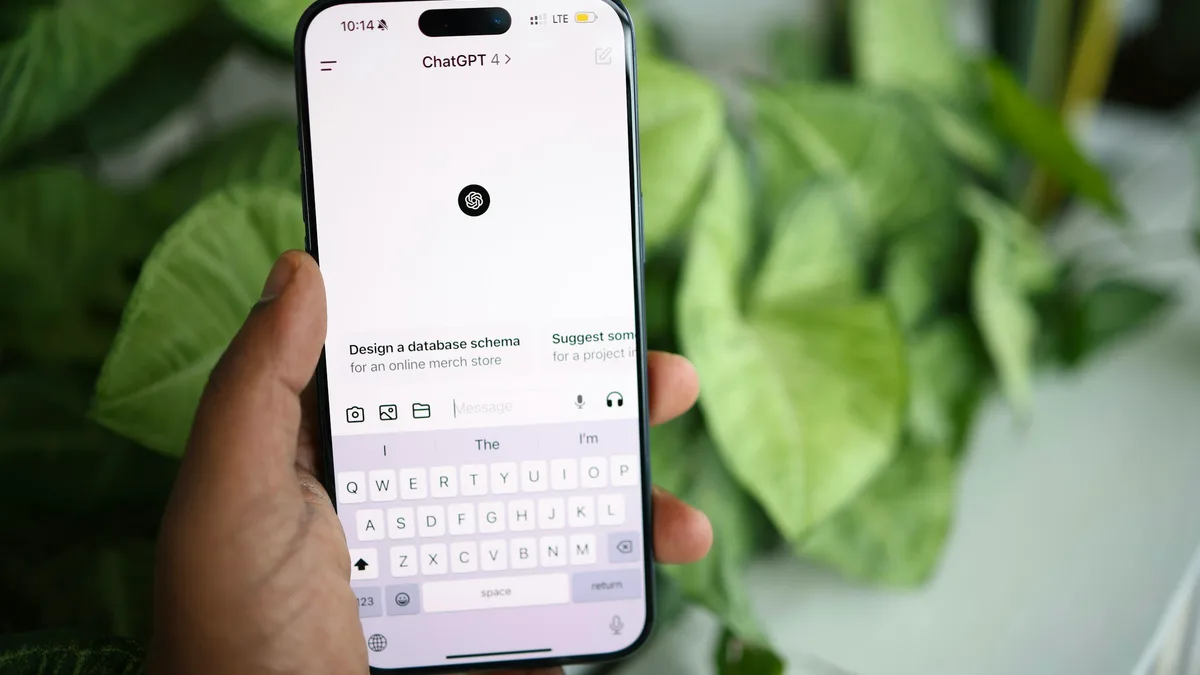
OpenAI has begun rolling out a new chat locking feature for ChatGPT, designed to conceal sensitive conversations from anyone with access to a user's device or screen. Conversations can now be secured using a four-digit passcode or biometric authentication such as Face ID and Touch ID on supported devices, though the encryption level and data retention policies remain unchanged.
How Locked Chats Work
Once secured, a conversation moves to a dedicated section called Locked Chats, separate from standard history, pinned threads, and search results. If the memory feature is active, the locked area maintains its own isolated memory shared only among the locked threads. New messages sent within this zone update this isolated memory rather than the standard one, preventing sensitive details from leaking into regular chats.
The feature addresses growing use cases where individuals discuss personal matters or plan surprises while sharing physical access to their devices. However, OpenAI explicitly clarifies that the lock does not implement end-to-end encryption or create a standalone encrypted vault, nor does it alter how long data is stored on company servers.
Limitations and Availability
Certain conversation types cannot be locked, including temporary chats, archived threads, group chats, shared link chats, scheduled tasks, and meeting recordings. Furthermore, resetting the security passcode permanently deletes all locked chats, files, and associated content protected by the previous code.
The rollout spans Free, Go, Plus, Pro, Business, Enterprise, and Edu tiers, while excluding ChatGPT for Healthcare. To verify availability, users can open a specific chat menu via the three-dot icon and select the Lock chat option.