How to Protect Home and Business Security Cameras from Cyber Threats
Security cameras connected to the internet can be hacked to expose sensitive information and monitor daily activities. Learn how to detect breaches and secure your devices.
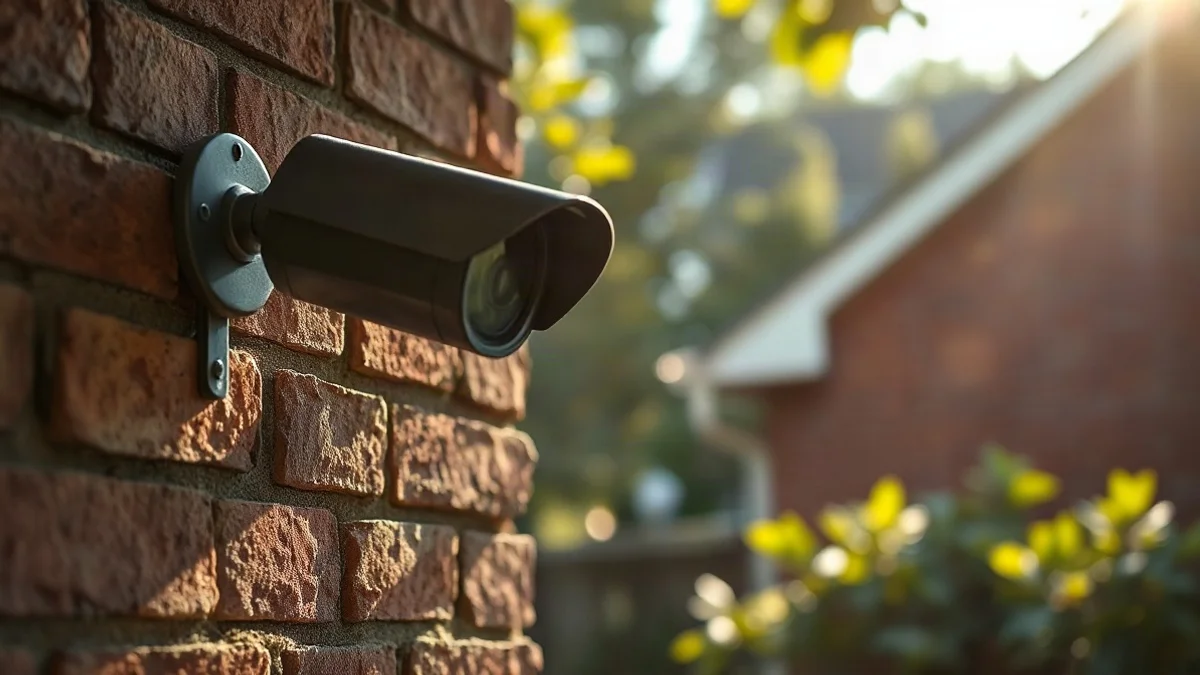
Home security cameras are installed to provide peace of mind, allowing owners to monitor entrances, businesses, and properties. However, in an era where nearly every camera is connected to the internet, these protective devices can become surveillance tools for hostile actors.
Risks and Vulnerabilities
Recent reports indicate that hacking security cameras can expose sensitive information, including the movement of security forces. Yet the danger is not limited to strategic facilities; a camera installed at a home entrance, yard, or business can easily become a vulnerability. A security camera is essentially a small computer connected to a network, equipped with software, access permissions, and remote control capabilities, making it susceptible to cyber threats.
An unauthorized user gaining access to a camera can track arrival and departure times, identify when a home is empty, and observe family activities. In businesses, hacked cameras may expose employee, customer, and supplier movements. Crucially, a breach does not necessarily disrupt the camera's operation; it can continue transmitting images normally while an unauthorized person watches in secret.
Detection and Response
If you notice unfamiliar login notifications, new users, unexplained settings changes, or missing recordings, your camera may have been compromised.
To check your device, open the camera application, review the list of connected users and devices, and remove unnecessary permissions such as former employees or installers. Ensure two-factor authentication (2FA) is enabled and check for software updates.
Four Steps to Reduce Risk
-
Replace default passwords with unique, strong passwords.
-
Enable two-factor authentication where available.
-
Keep the camera, application, and home router updated.
-
Restrict access permissions to authorized viewers only.